Stormwater compliance, simplified

The stormwater inspection app that works the way you do.

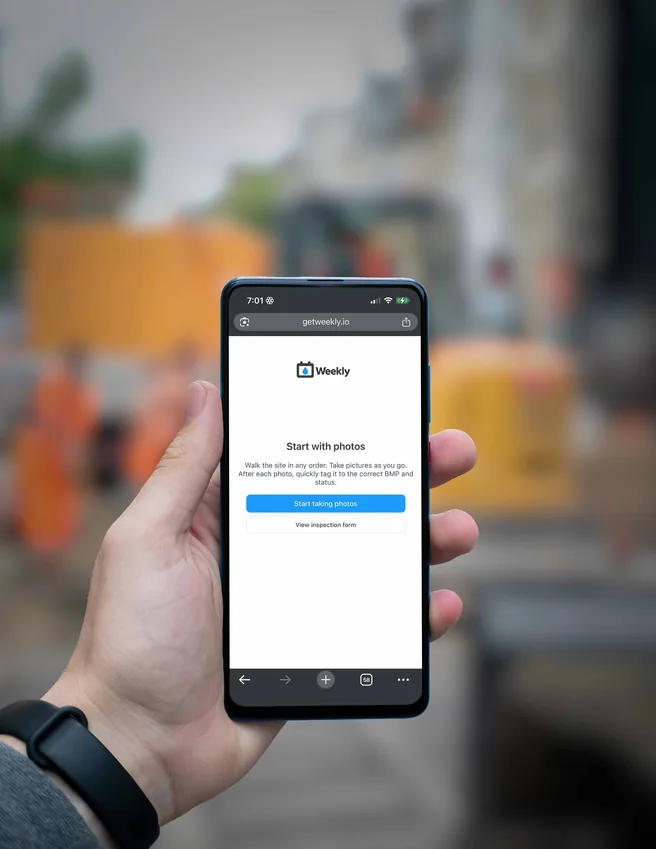
Weekly was created by Andrew Teravskis to solve a frustration he and many others have had with inspection reports. Weekly turns the inspection flow on its head, allowing inspectors to start reports with pictures first, with our patent-pending "photo-first flow" method — plus NOAA QPE weather tools, SWPPP inspection logs, and invoicing built in.

50% Faster field reporting
Unlimited Projects and inspections
Unlimited Users (Business plan)
Weekly stormwater inspection app demo video

Built for stormwater pros

Everything you need, nothing you don't.

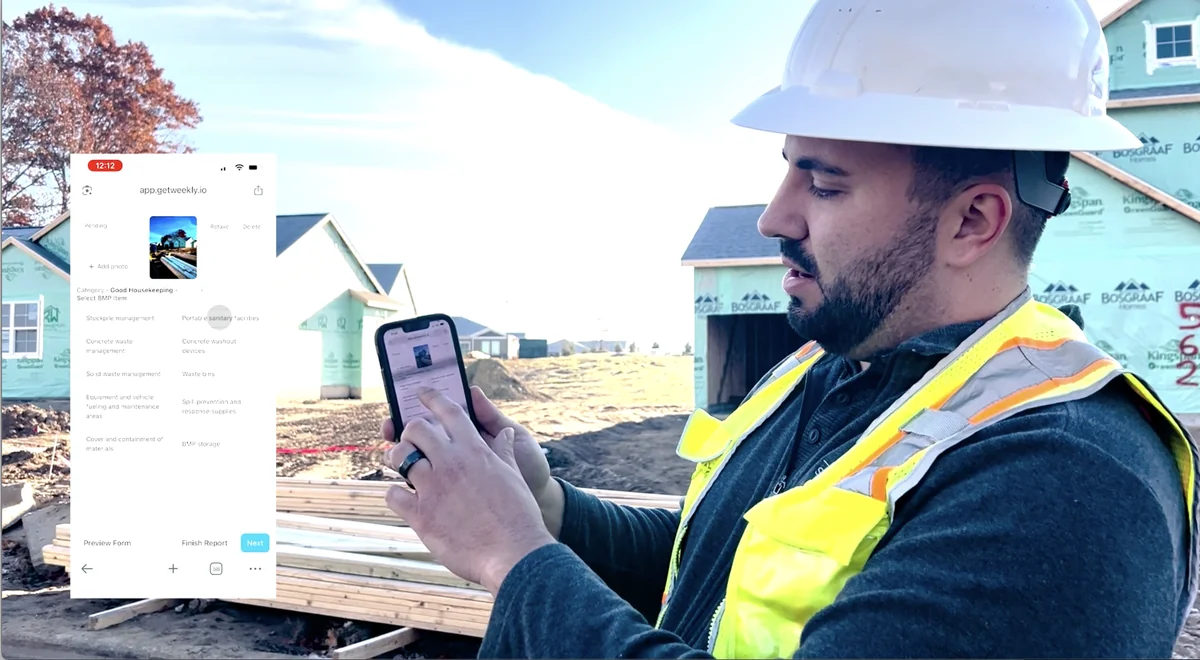
Weekly mobile stormwater inspection app with photo-first flow, samples collected, and extended observations

Mobile-optimized inspection app

Inspectors can create inspection forms faster than ever using our patent-pending "photo-first flow" technology. Walk the site in any order, taking pictures and tagging as you go — with a dedicated Samples Collected step and a View Weather option built into the flow.

Capture Other Inspection Observations for precipitation and QPE, site activities and phases, and discharge observations. GPS geotags every photo, and the app can prompt you to start a new inspection when you're near a project site.
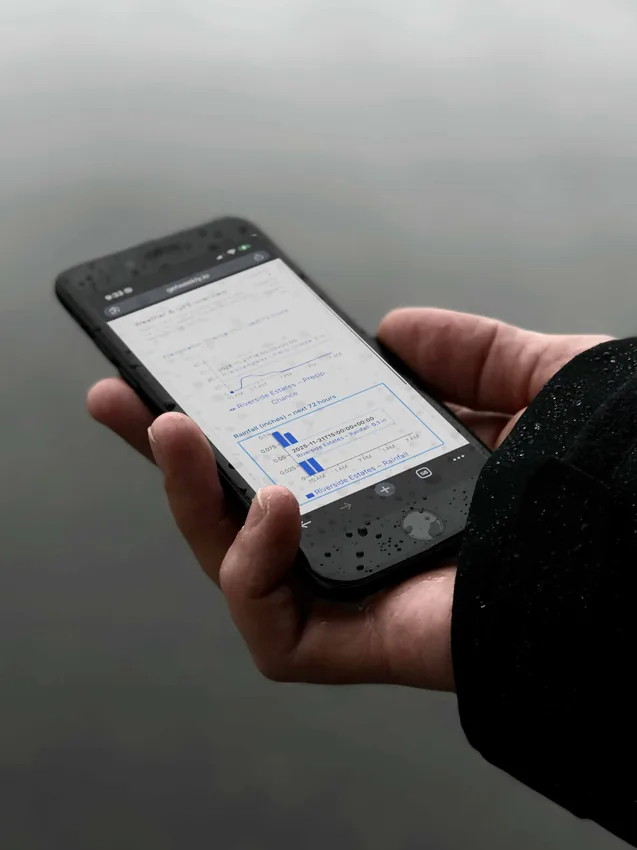
NOAA QPE weather forecasts and alert emails in Weekly stormwater inspections

Weather, QPE & alerts

Forecasts are redesigned to match NOAA data in a clear multi-day grid with QPE labeling, calculation details, and the full forecast range for each project. Twirl down View Weather on your dashboard for summaries, NOAA links, and metadata.

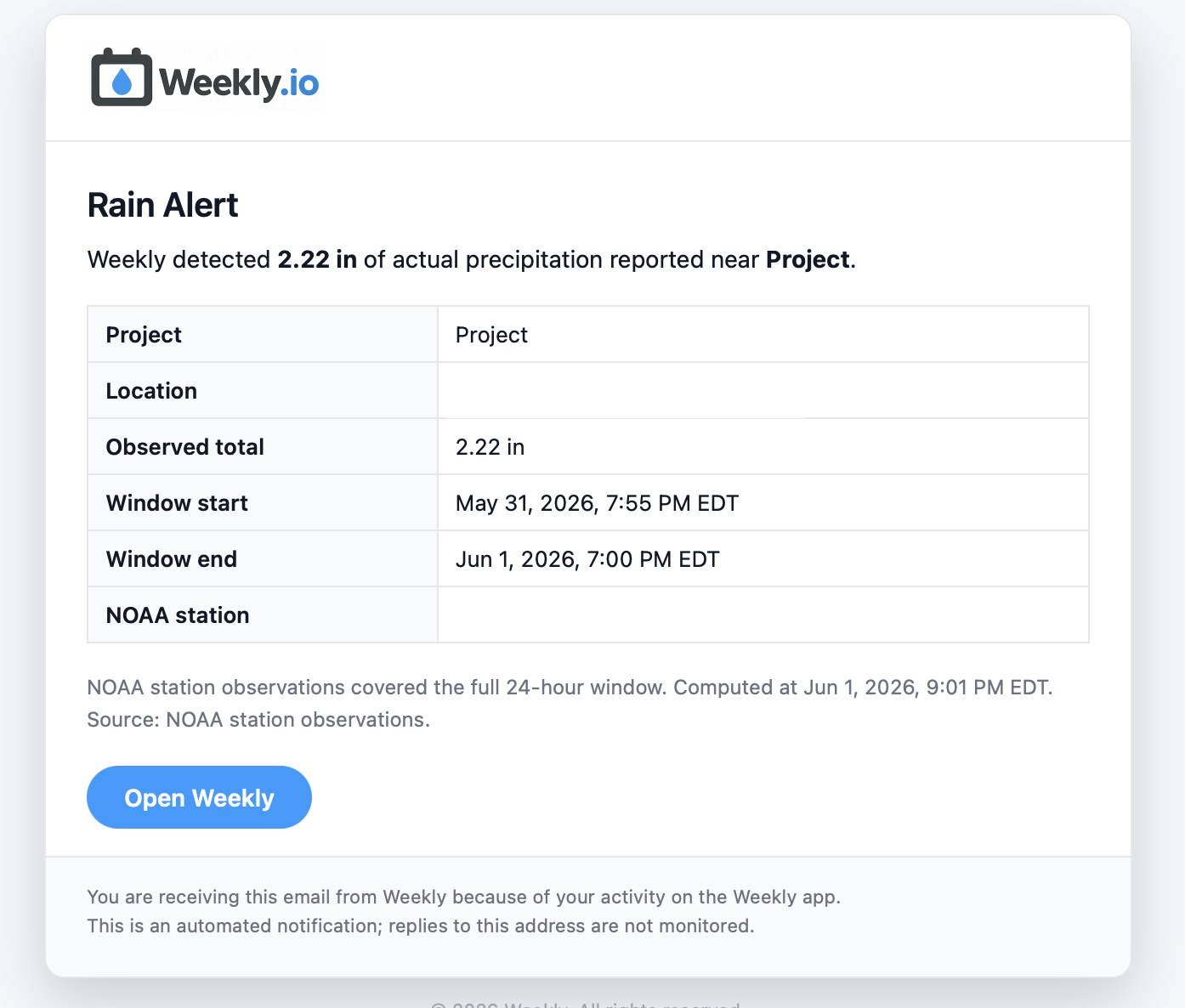
Manually include or exclude forecast blocks on the inspection form when field conditions require adjustments. Get QPE alert emails for qualifying forecast events and separate rain alert emails when observed precipitation is reported at nearby stations — each toggled on your Profile.

Weekly SWPPP inspection PDF report with samples, QR code sharing, inspection logs, and invoicing

Reports and logs

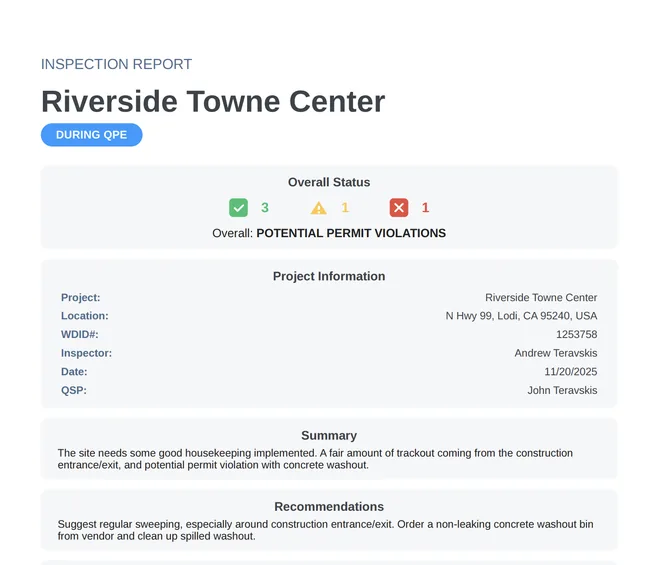
Modern PDF reports with summary, recommendations, weather at time of inspection, certification, sample collection details, and a geotagged photo grid with comments.

Generate SWPPP Inspection Log Excel files from Project Settings by compliance year or custom range. You can also print a SWPPP Inspection Reports QR code to make accessing completed inspection reports easier.

New Features

Rain alert emails from NOAA weather stations in Weekly

Rain alerts

Get an alert email when precipitation is reported at nearby NOAA weather stations.

Sampling equipment

Manage all of your field sampling equipment. Print a QR code for each instrument, scan it with your phone while collecting samples, and the latest calibration log will appear on the inspection report.

QPE forecasts & alerts

Multi-day NOAA forecast grid with QPE labeling, plus email alerts when qualifying forecast precipitation is detected.

Inspection log exports

Generate an Excel inspection log for all inspections completed during a specific date range.

Invoicing

Easily attach invoice PDFs to report emails and manage sent invoices from the project page.

QR report sharing

Print a jobsite QR code that opens a public page for accessing completed inspection reports.

Simple, transparent pricing.

Individual

$11 /month billed annually
  • Single user
  • Unlimited projects
  • Unlimited reports
  • Unlimited view-only members
  • NOAA Weather & QPE forecasts
  • QPE & rain alert emails
  • SWPPP inspection log exports
  • Invoicing with inspection reports
  • QR code report sharing
  • Annual Reports
  • Dedicated support
  • Cancel anytime
  • 7-day free trial
Get Started

Weekly workflow

Easily create projects and manage inspections.

1

Create project

Enter project name and location, WDID number, and email addresses for report recipients.

2

Inspect

Perform inspections on site, log samples and extended observations, certify and email reports (optionally with an invoice PDF), and generate SWPPP inspection logs from project settings.

3

Invite

Keep everyone in the know: invite stakeholders to create a free viewer account linked to their projects.

Common questions

Frequently asked questions

What is Weekly's photo-first flow?

Photo-first flow lets inspectors start stormwater reports with pictures first, tagging and organizing in the field in any order instead of filling forms before taking photos.

Does Weekly include NOAA weather reports?

Yes. NOAA weather and QPE forecasts are built into Weekly with a dashboard Weather / QPE panel, multi-day forecast grids, and conditions at inspection time across all your projects.

What kind of PDF reports does Weekly generate?

Weekly produces modern PDF inspection reports with summary, recommendations, weather at time of inspection, sample collection details, certification, and a geotagged photo grid with comments.

What are QPE and rain alert emails?

QPE alert emails notify you when a qualifying forecast precipitation event is detected for a project. Rain alert emails notify you when observed precipitation is reported at a nearby NOAA weather station. Each alert type is distinct and can be turned on or off from your Profile.

Can Weekly generate SWPPP inspection logs?

Yes. From Project Settings you can generate a downloadable SWPPP Inspection Log Excel file populated from certified inspections, for the current compliance year (July 1 through June 30) or a custom date range. Past exports are saved in a history table.

Does Weekly support invoicing?

Yes. Save invoice defaults in your Profile, set inspection pricing on projects, and optionally attach an invoice PDF when sending inspection reports. Sent invoices can be resent, downloaded, edited, or voided from the project page.

How do SWPPP report QR codes work?

Projects include a SWPPP Inspection Reports QR Code option that creates a printable jobsite sign. Anyone who scans the code can open a public project report page limited to certified inspection reports. You can print the QR code or copy the share link from the project page.

Is there a free trial?

Yes. Weekly offers a 7-day free trial on Individual and Business plans with unlimited projects and reports.

Ready to modernize inspections?

Switch to Weekly and make your team happy.